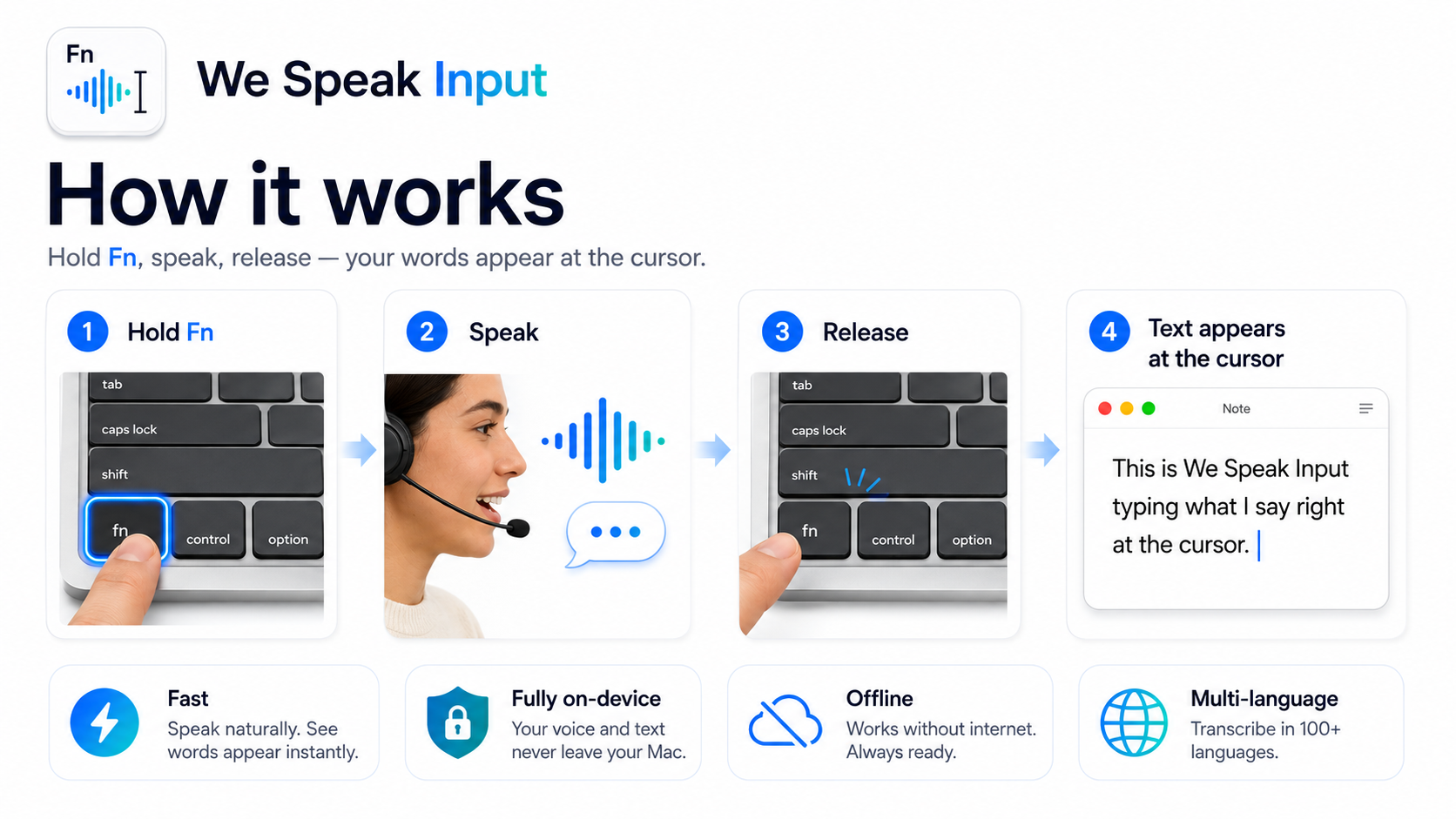
Hold Fn to talk,
release to type.
按住 Fn 说话,
松开即输入。
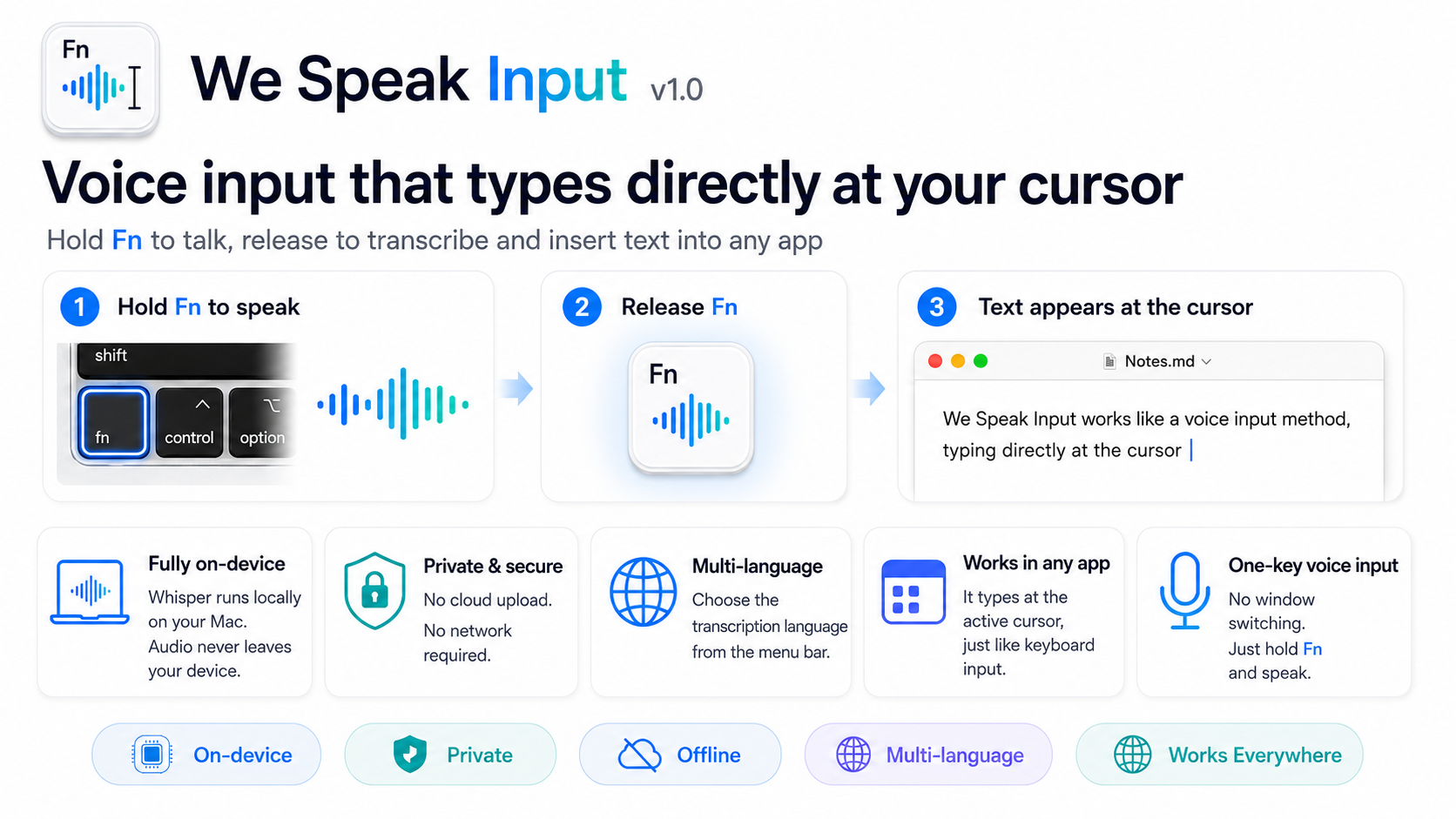
A macOS voice-input tool that types what you say — right at the cursor, in any app. Fully on-device and private. 一款 macOS 语音输入工具,把你说的话直接输入到任意应用的光标处,就像输入法一样。完全本地运行,保护隐私。
Free · macOS 13+ · Apple Silicon & Intel 免费 · macOS 13 及以上 · 通用二进制(Apple Silicon 与 Intel)
Features功能特性
Speak instead of type, anywhere on your Mac. 在 Mac 的任何地方,用说话代替打字。
One-key voice input一键语音输入
Press Fn to talk, release to transcribe.按下 Fn 说话,松开自动转写。
Multiple languages多语言识别
Pick which languages to recognize (multi-select); recognition stays focused.在菜单栏勾选要识别的语言(可多选),识别更聚焦。
Bilingual interface双语界面
Switch the UI between 中文 and English, or follow the system.界面可切换中文 / English,或跟随系统。
Local & private本地 · 隐私
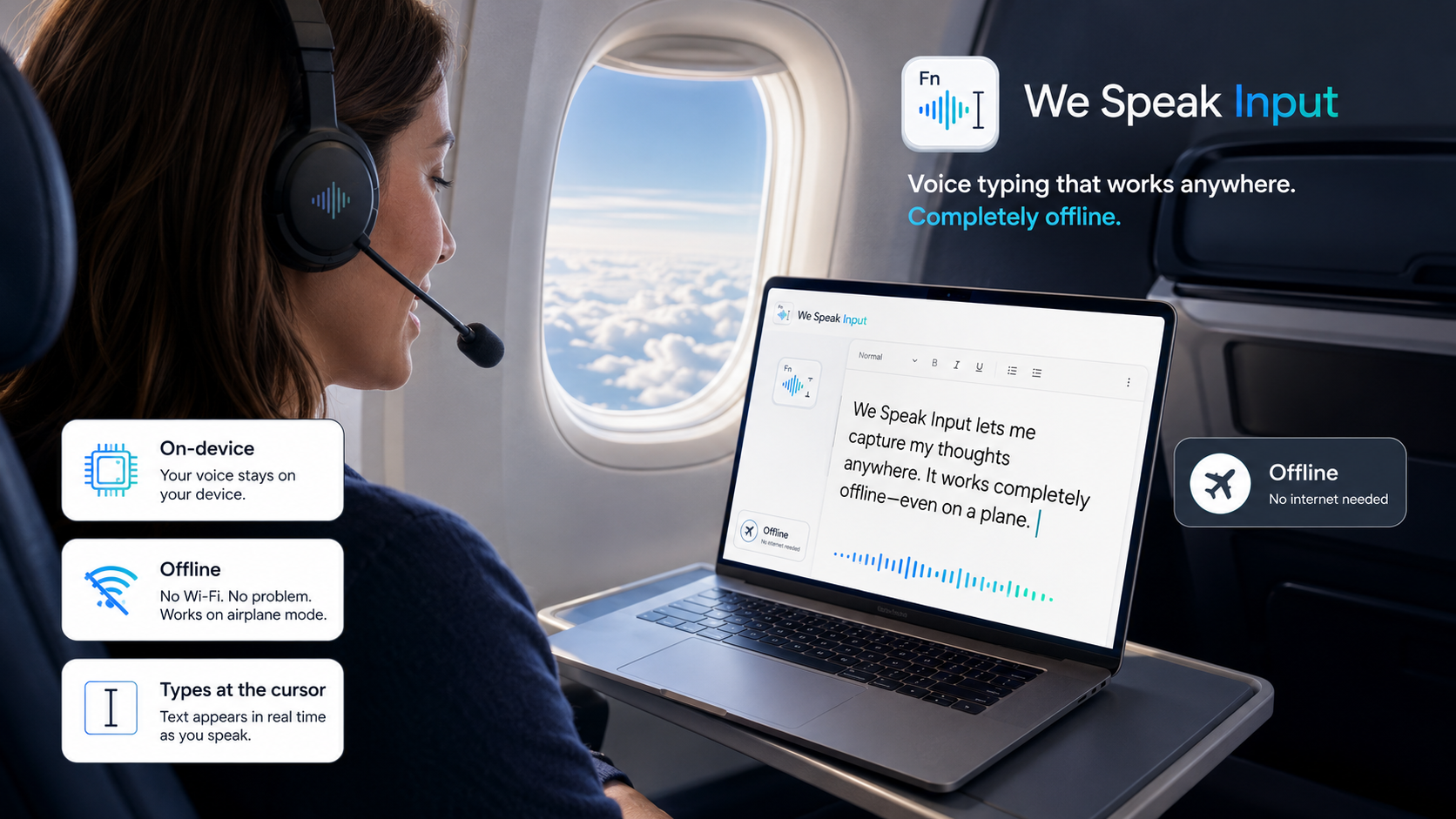
On-device Whisper. Audio never leaves your Mac.本地 Whisper 识别,音频不离开本机。
Works everywhere处处可用
Text is typed at the cursor, so it works in any app.文本直接输入到光标处,适用于任意应用。
Auto punctuation自动标点
Sentence-ending punctuation is added automatically.每句自动补上句末标点。
How it works技术实现
Powered by a locally bundled Whisper model (large-v3-turbo), running fully offline. 由随应用打包的本地 Whisper 模型(large-v3-turbo)完成,完全离线、无需联网。

Install安装
Three steps.三步搞定。
Download the .dmg and drag We Speak Input into Applications.下载 .dmg,把 We Speak Input 拖入「应用程序」。
First launch: right-click the app → Open (it isn't notarized yet).首次打开:右键应用 →「打开」(应用尚未公证)。
Grant Microphone and Accessibility when prompted.按提示授予麦克风与辅助功能权限。
Ready to speak?开始使用
Free download. Works on Apple Silicon & Intel Macs running macOS 13 or later. 免费下载,支持 macOS 13 及以上的 Apple Silicon 与 Intel Mac。
⬇︎ Download for macOS⬇︎ 下载 macOS 版